Understanding Storage Facility Security Audits: Best Practices for Owners and Managers
Introduction: The Critical Role of Security Audits in Self-Storage Facilities
Security is one of the top priorities for any self-storage facility owner or manager. Customers trust you with their valuable possessions, expecting around-the-clock safety and robust crime prevention. Yet, even the most advanced security systems can develop vulnerabilities over time. That’s why regular, systematic security audits are essential for protecting your business, your reputation, and your clients’ peace of mind.
Security audits are not just about checking locks or reviewing footage after an incident—they are about proactively assessing every aspect of your facility’s defenses. From perimeter fencing and lighting to digital access controls and staff protocols, a comprehensive audit identifies weaknesses before they can be exploited. This proactive approach reduces liability, deters criminal activity, and can even lower your insurance premiums.
This in-depth guide will walk you through the best practices for conducting effective security audits in storage facilities. Whether you own a small, independent operation or manage a large multi-site company, you’ll learn what to inspect, how to document findings, and practical steps for continuous improvement. Let’s dive in and build a safer, more resilient storage operation—one audit at a time.
What Is a Storage Facility Security Audit?
Definition and Purpose
A security audit is a thorough, systematic evaluation of your facility’s physical and procedural defenses. It examines every entry point, security device, and operating procedure to ensure that they are functioning as intended and still meet current best practices. The goal is to uncover and address weaknesses before they lead to loss, damage, or liability.
Frequency of Audits
- Quarterly for high-traffic or urban locations.
- Semi-annually for smaller or rural facilities.
- After any security breach or major incident (break-in, vandalism, etc.).
Preparing for a Security Audit
Assemble the Audit Team
Ideally, audits should be performed by a mix of internal staff and, periodically, third-party security professionals. This ensures a fresh perspective and unbiased assessment.
- Manager or owner: Oversees process, ensures compliance.
- Maintenance supervisor: Checks hardware and infrastructure.
- IT/security specialist (if available): Reviews electronic and digital systems.
- External consultant: Consider annually for an objective review.
Gather Audit Tools and Documentation
- Facility maps and blueprints
- List of security equipment (cameras, alarms, access controls)
- Maintenance logs
- Incident reports from the past 12 months
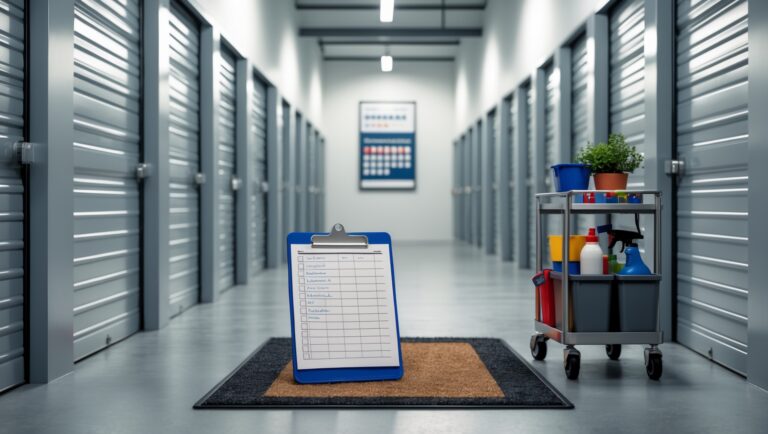
- Audit checklist (customized for your facility)
Key Areas to Audit in a Storage Facility
1. Perimeter Security
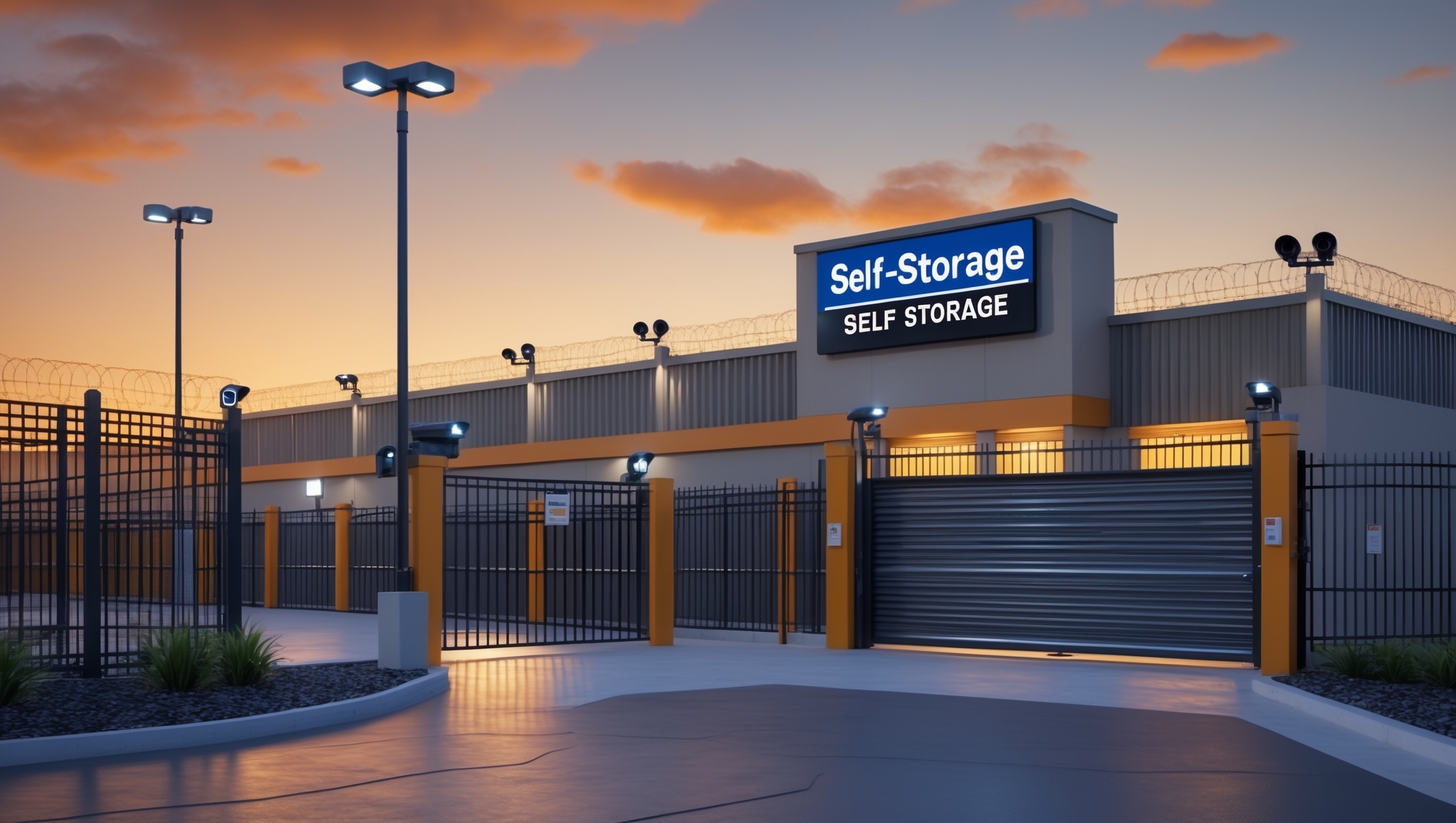
- Fencing and Gates: Inspect for damage, gaps, or signs of tampering. Ensure gates self-close and lock properly.
- Signage: Verify that security warning signs are visible, undamaged, and legible at all entrances.
- Landscaping: Trim shrubs and trees to eliminate hiding places near fences, gates, and doors.
2. Lighting
- Exterior Lighting: Test all lights at night. Replace any burnt-out bulbs. Confirm lights cover all parking areas, walkways, and entry points.
- Interior Lighting: Check that hallway and unit lighting is functioning and provides clear visibility.
- Motion Sensors and Timers: Ensure proper operation and correct placement.
3. Access Control Systems
- Keypads and Card Readers: Test for functionality and responsiveness. Check for signs of tampering.
- Gate Operation Logs: Review entry/exit logs for unusual patterns or unauthorized access.
- PIN Code Management: Ensure codes are unique to users and regularly updated. Remove access for former clients or employees.
4. Surveillance Cameras
- Camera Placement: Verify all key areas are covered—entrances, exits, hallways, loading zones, and blind spots.
- Image Quality: Check footage for clarity, especially at night. Adjust focus or replace cameras as needed.
- Recording and Storage: Confirm footage is being recorded and securely stored for at least 30 days (or per local regulations).
- Remote Monitoring: Test remote access and notification systems.
5. Unit Security
- Locks and Hasps: Inspect for wear, rust, or tampering. Require disc or cylinder locks (not padlocks).
- Door Integrity: Check doors for dents, misalignment, or signs of forced entry.
- Alarmed Units: Test unit-specific alarms if available.
6. Office Security
- Cash Handling: Ensure safe and secure storage of cash, checks, and sensitive documents.
- Alarm Systems: Test panic buttons, glass-break detectors, and intrusion alarms.
- Visitor Protocols: Confirm guest sign-in procedures and escort policies.
7. Staff Training & Protocols
- Incident Response: Review staff knowledge of emergency procedures and reporting.
- Key Management: Audit who has access to master keys or codes and ensure proper logging.
- After-Hours Protocols: Check rules for late-night access and staff presence.
8. Cybersecurity
- Wi-Fi Networks: Ensure guest and staff networks are separated and password protected.
- Software Updates: Verify all security system software and firmware is up-to-date.
- Data Access: Restrict access to customer data; enforce strong passwords and regular changes.
Step-By-Step: Conducting a Security Audit
1. Pre-Audit Briefing
Meet with your audit team to review roles, objectives, and the checklist. Assign specific areas of responsibility to ensure thorough coverage.
2. On-Site Inspection
- Walk the entire perimeter, noting vulnerabilities or maintenance issues.
- Test all lighting, cameras, alarms, and access controls.
- Physically inspect a random sample of units—both occupied and vacant—for lock integrity and signs of tampering.
- Observe staff interactions with customers and their adherence to security protocols.
3. Review Documentation
- Analyze gate logs, visitor records, past incident reports, and maintenance records.
- Look for gaps in reporting, missing data, or patterns that could indicate risk.
4. Test Emergency Systems
- Trigger alarms and test response times.
- Check backup power supplies for security systems.
- Review fire and disaster preparedness procedures.
5. Interview Staff
Ask staff about their understanding of security protocols, incident response, and reporting channels. Identify any gaps in training or awareness.
6. Document Findings
- Note every issue, deficiency, or area for improvement, no matter how small.
- Attach photos where possible for clear communication.
- Prioritize findings by risk level—address critical issues immediately.
7. Develop an Action Plan
- Create a timeline for addressing each finding.
- Assign responsibilities to specific staff or contractors.
- Schedule follow-up audits to verify completion.
Common Security Weaknesses and How to Address Them
- Outdated or Broken Cameras: Upgrade cameras to HD and replace nonfunctional units. Ensure night vision capability.
- Poor Lighting: Install LED fixtures and motion sensors; set up regular inspection schedules.
- Shared PIN Codes: Educate tenants and staff about unique code requirements. Update codes upon tenant move-out or staff departure.
- Unsecured Perimeter: Repair fencing and gates promptly. Add anti-climb features if needed.
- Untrained Staff: Implement regular security training and drills. Update training materials annually.
- Cybersecurity Gaps: Invest in firewall protection, secure remote access, and staff IT training.
Beyond the Audit: Ongoing Improvement and Monitoring
Continuous Self-Assessment
Security is not static. Threats, technology, and criminal tactics evolve. Schedule regular mini-audits and spot checks—especially after changes such as renovations, technology upgrades, or local crime spikes.
Staff Engagement
Create a culture where staff are encouraged to report hazards, suspicious activity, or procedural weaknesses without fear of blame. Reward vigilance and prompt reporting.
Leverage Technology
- Install security management software to track audits, incidents, and maintenance.
- Consider real-time alerts for unusual access, forced entries, or system failures.
- Enable remote monitoring to allow management oversight even when off-site.
Engage with Local Law Enforcement
- Invite law enforcement for walk-throughs and feedback.
- Establish contacts for rapid response in emergencies.
- Stay updated on local crime trends and prevention tips.
Case Study: Security Audit in Action
Facility: Suburban 400-unit storage center
Findings: Audit uncovered several gaps: two broken cameras near loading bays, several burnt-out floodlights, and outdated staff PIN codes still active after employee departures.
Action: Cameras and lighting were repaired within 48 hours. Access control system was reset, and staff received an updated security briefing. The next quarterly audit found no repeat issues, and the facility saw a decrease in reported suspicious activity.
Conclusion: Building a Secure Future for Your Storage Business
Security audits are not a one-time task, but a continuous commitment to safety, trust, and operational excellence. By regularly evaluating every aspect of your storage facility—from fences and cameras to staff protocols and digital safeguards—you demonstrate genuine care for your customers and the integrity of your business.
The peace of mind you offer your tenants is built on a foundation of diligence: well-lit grounds, functional surveillance, rigorous access controls, and staff who know what to do in any situation. While no system is foolproof, proactive audits dramatically reduce risks, improve your facility’s reputation, and can even lead to lower insurance costs and higher occupancy rates.
Investing the time and resources into thorough security audits is not just about preventing loss—it’s about building trust, enabling growth, and setting your operation apart in a competitive market. Make audits a regular part of your business rhythm, respond decisively to every finding, and encourage your team to see security as everyone’s responsibility. Your customers—and your bottom line—will thank you.